> For the complete documentation index, see [llms.txt](https://docs.liquiflow.app/llms.txt). Markdown versions of documentation pages are available by appending `.md` to page URLs; this page is available as [Markdown](https://docs.liquiflow.app/section-settings/static-blocks.md).
# Static Blocks
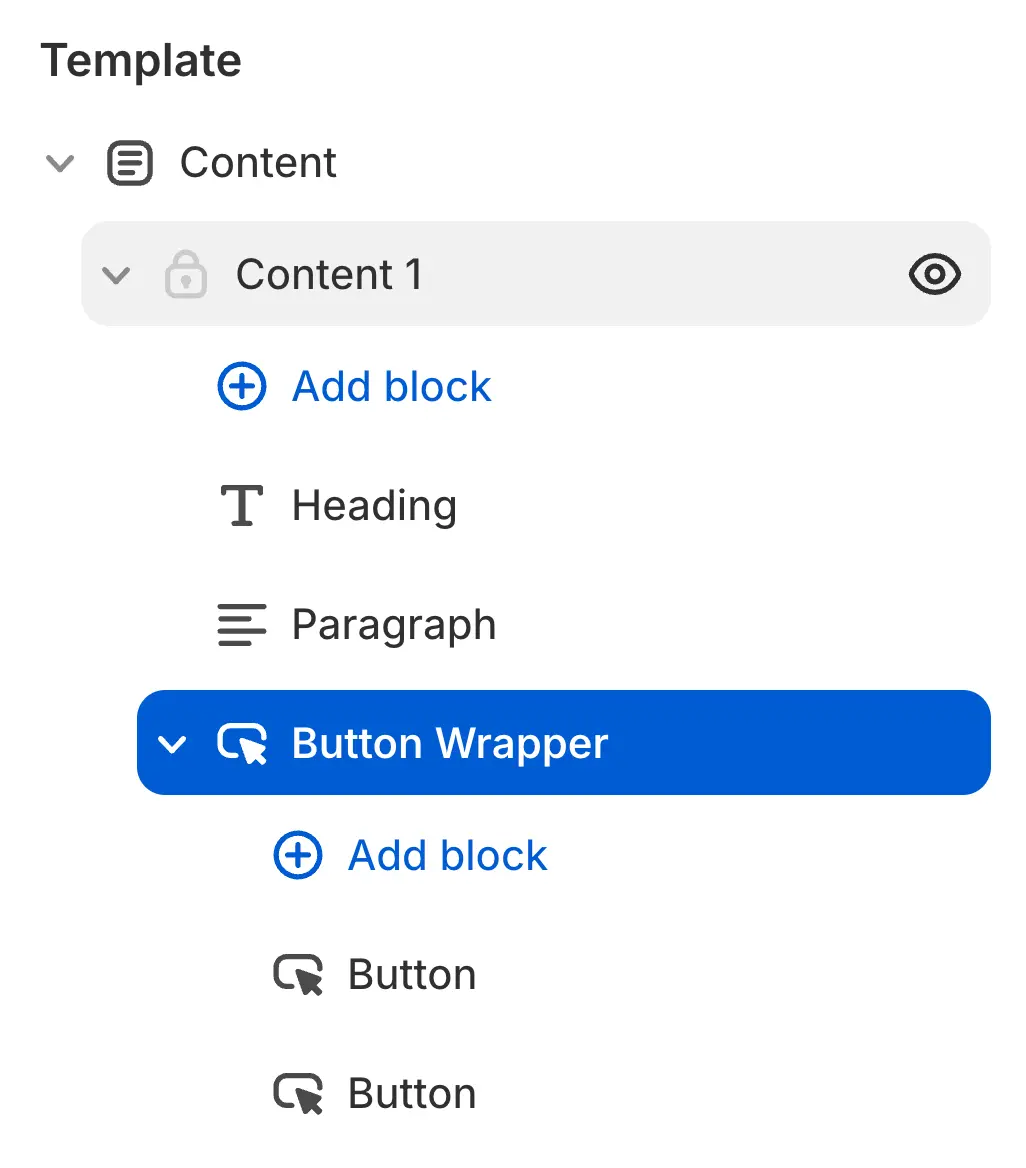
Static Theme Blocks give theme developers greater control over how blocks and sections are structured. Unlike regular Theme Blocks, they are rendered statically in Liquid rather than dynamically.
Because of this, Static Theme Blocks are especially useful when:
* A theme requires blocks that should not be moved or removed by the merchant
* Blocks can be rendered conditionally,
* having multiple places where you want to add nested blocks to a section
Static Theme Blocks still allow full access to customizable settings, ensuring flexibility without sacrificing control.
Shopify Docs
Static Theme Blocks can be created by adding the li-static-block attribute to a \
:
{% columns %}
{% column %}
{% code title="Webflow" fullWidth="false" %}
```
li-static-block = Item
```
{% endcode %}
{% endcolumn %}
{% column %}
{% code title="Shopify" fullWidth="false" %}
```html
{% content_for "Item", type: "type", id: "uniqueid" %}
```
{% endcode %}
{% endcolumn %}
{% endcolumns %}
This generates a new block file, which is then referenced directly within the corresponding Liquid file.
{% tabs %}
{% tab title="li-static-block="Item"" %}
and this: Inside this element, you can then use all the elements as usually. For example li-cf-theme-blocks to nest other blocks inside.
{% endtab %}
{% endtabs %}
#### Loop or conditionally render static blocks.
To loop over or conditionally render a static block, simply wrap it in a `div` and add either `li-for:inside` or `li-if:inside`. This will also be reflected in the Shopify Theme Editor. Learn more about [looping](/liquid-attributes/iteration-lists.md) and [conditional rendering here.](/liquid-attributes/conditional.md)
#### Adding Parameters to your Static Blocks
If you want to pass data into your static blocks, you can use the attribute modifier like this:
{% code title="Webflow" fullWidth="false" %}
```
li-static-block = Item
li-static-block::attributes=current.product: product
```
{% endcode %}
This allows you to access dynamic data from the for loop like this: